Thai Keycaps, Stickers, Overlays, or Blank Keys: Choosing the Right Setup for Kedmanee Practice
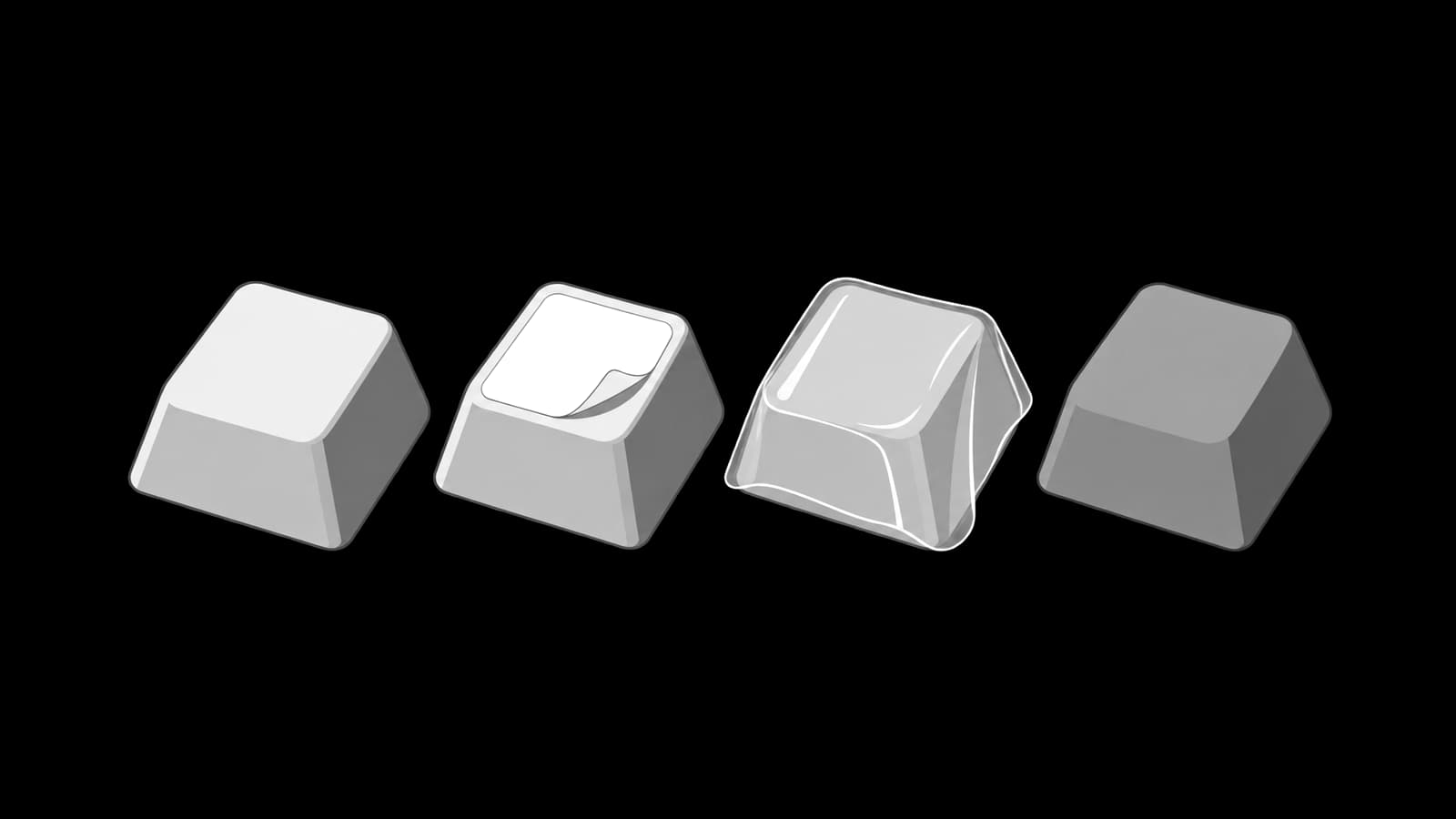
Many people learn Thai touch typing on a keyboard that was not made for Thai. A mechanical keyboard may have only English legends. A laptop bought outside Thailand may have no Thai characters printed on the keys. A compact keyboard may have unusual key sizes. The learner then faces a practical question before practice even begins: should the keyboard have Thai keycaps, stickers, an overlay, or no Thai markings at all?
This article gives a balanced decision guide for Kedmanee learners. It does not re-teach key positions or the finger map. The focus is the physical keyboard surface: what each option changes, what it costs in convenience, and how it affects long-term touch-typing progress. The main principle is simple: Thai legends can help orientation at the beginning, but real touch typing requires the eyes to leave the keyboard.
The real question is not only visibility
A keyboard without Thai legends feels intimidating because the learner cannot visually confirm the Thai layer. This is especially true in the first week, when the mind still asks, “Where is that character?” Visible legends can reduce anxiety and make setup feel more complete. However, visibility is only one part of the decision. A setup that makes every key easy to look up may also encourage the learner to keep looking down.
Touch typing develops when location knowledge moves from the eyes to the hands. At first, the learner may need a reference. Later, the keyboard should become a tool for movement, not a visual chart. The best choice is therefore not always the one with the clearest Thai printing. The best choice is the one that gives enough support to practise correctly while still pushing the learner toward memory and rhythm.
- Visibility helps beginners confirm that the Thai input method is active and that the layout is correct.
- Too much reliance on legends can keep the learner in hunt-and-peck mode.
- The physical feel of the keyboard matters because touch typing depends on repeatable movement.
- Durability matters if the keyboard is used for work or daily study.
- Layout compatibility matters because not every keycap set, sticker sheet, or overlay fits every keyboard.
Thai keycaps: the cleanest hardware solution
Thai keycaps are the most integrated option for many mechanical-keyboard users. Instead of adding a layer on top of the existing key, the Thai legend is part of the keycap itself. Depending on the set and manufacturing method, legends may be printed, dye-sublimated, or made with a more durable construction such as doubleshot. In general, a proper Thai keycap set feels cleaner and more permanent than stickers.
The main advantage is usability. The keyboard looks intentional, the legends are aligned consistently, and the fingers still touch the keycap surface directly. This matters for heavy typists because stickers and overlays can change surface feel. Thai keycaps are also better for people who share a keyboard with others who may need to see the Thai legends.
The trade-off is compatibility. Mechanical keyboards come in different physical layouts, sizes, stabilizer arrangements, keycap profiles, and switch stems. A set must match the keyboard well enough to cover the keys you actually use. Compact boards may require special key sizes. Some sets may not include every key needed for a particular layout. Laptop keyboards usually cannot use standard mechanical keycaps, so this option is mainly for compatible external keyboards.
- Best strength: clean appearance, stable feel, and better durability than temporary labels.
- Main cost: requires buying a matching set.
- Main risk: the set may not fit your keyboard layout or key sizes.
- Best for: heavy typists, shared keyboards, and mechanical-keyboard users who want a permanent Thai surface.
- Less suitable for: most laptop keyboards and learners who are not ready to invest in hardware.
Stickers: cheap, flexible, and imperfect
Thai keyboard stickers are the easiest way to add Thai legends to a non-Thai keyboard. They are inexpensive compared with keycaps, simple to apply, and usable on many laptop and desktop keyboards. For a beginner who only needs visual confirmation during the first stage of practice, stickers can be a practical temporary solution.
The disadvantages are also clear. Stickers can peel, shift, collect dirt at the edges, fade, or wear where the fingers touch most often. If they are placed unevenly, the keyboard can look messy and may distract the learner. On some keyboards, stickers may also change the surface texture enough that the keys feel less clean under the fingertips.
Stickers are most useful when they are treated as temporary support. A learner can apply them, use them to confirm the layout, and gradually reduce looking down. If the learner continues to look at every sticker after weeks of practice, the stickers have become a crutch. The problem is not the sticker itself; the problem is using it as the primary typing method.
- Best strength: low commitment and easy to add to many keyboards.
- Main cost: less durable and less elegant than keycaps.
- Main risk: peeling, shifting, surface wear, and over-reliance on visual lookup.
- Best for: beginners, laptop users, and people testing Thai typing before changing hardware.
- Less suitable for: heavy daily typists who dislike worn labels or uneven key feel.
Overlays and keyboard covers
A Thai keyboard overlay or cover is a removable surface placed over the keyboard. This may be a thin cover designed for a specific laptop model or a more general overlay style. The advantage is that it can add Thai legends without permanently modifying the keyboard. It may also protect the keys from dust, oil, or spills, depending on the material and fit.
The main trade-off is typing feel. Covers can soften the key response, reduce the crispness of a mechanical or laptop keyboard, and change how the fingers sense key edges. For touch typing, tactile feedback matters. If the overlay makes the keyboard feel vague, the learner may press harder than necessary or lose confidence in finger placement.
Fit is also important. A cover that does not match the keyboard shape may slide, wrinkle, block backlighting, or place legends slightly away from the actual keys. This can be more distracting than helpful. Before using an overlay for serious practice, type a few paragraphs and check whether the cover stays in place and whether your fingers still feel relaxed.
- Best strength: removable and often less permanent than stickers.
- Main cost: may change the feel of the keyboard.
- Main risk: poor fit, sliding, reduced tactile clarity, and visual misalignment.
- Best for: users who want temporary Thai legends and keyboard protection.
- Less suitable for: typists who value crisp key feel or use high-profile mechanical keyboards.
Blank or no Thai marking
Using a keyboard with no Thai legends is the strictest option. It removes the possibility of checking the Thai key by sight. This can feel difficult at first, especially for a beginner, but it strongly supports real touch typing because the learner must rely on memory, finger movement, and screen feedback.
Blank practice works best when the learner already has a reference outside the keyboard. The reference might be an on-screen layout chart, a printed chart beside the monitor, or a structured lesson that introduces only a small group of keys at a time. The important point is that the reference should not require looking down at the keyboard. Looking at a separate chart occasionally is different from searching the key surface for every character.
This option is not automatically best for everyone. A complete beginner may become frustrated if every Thai character feels invisible. A heavy typist who already knows the layout may benefit greatly. A mechanical-keyboard hobbyist may enjoy the clean look of blank keycaps. The decision should match the learner’s stage, not an abstract idea of purity.
- Best strength: forces real touch-typing habits.
- Main cost: harder at the beginning and less forgiving when memory is weak.
- Main risk: frustration if used before the learner has enough structure.
- Best for: learners who already know the basic layout, heavy typists, and people training seriously.
- Less suitable for: first-day beginners without a lesson plan or external reference.
Why legends can slow progress
Thai legends are useful only if they reduce confusion without replacing memory. The danger is the habit loop. The learner wants to type a character, looks down, finds it, presses it, then looks back at the screen. This loop works, but it trains visual search. It does not train the same skill as touch typing, where the eyes remain on the text and the fingers move from memory.
The delay from looking down is not the only issue. Looking down also interrupts error detection. When the eyes leave the screen, the learner may miss whether the correct character appeared, whether the input language was correct, or whether a mark combined properly with the syllable. Good Thai typing requires constant feedback from the text being produced.
A better method is progressive hiding. At first, use legends or a chart when needed. Then force short no-looking intervals: one word, one phrase, one line. Gradually make the no-looking interval longer. The goal is not to suffer through blindness. The goal is to move attention from the key surface to the written Thai on the screen.
- Stage 1: allow checking legends only after attempting from memory.
- Stage 2: type short drills without looking, then inspect the screen.
- Stage 3: cover or ignore the most familiar keys.
- Stage 4: use a chart beside the screen instead of key legends.
- Stage 5: type full practice lines with eyes on the text.
Recommendations by user type
Different users should choose different setups. A new learner, a government office worker, a bilingual programmer, a mechanical-keyboard hobbyist, and a heavy Thai writer do not have the same needs. The right choice depends on how often the keyboard is used, whether the device is a laptop or external keyboard, whether other people share it, and how committed the learner is to touch typing.
- Complete beginner: use stickers or a removable overlay if the lack of Thai legends causes anxiety, but follow a no-looking rule during drills.
- Beginner with discipline: use no Thai markings on the keyboard and keep a reference chart near the screen.
- Laptop user: stickers or a model-fitting cover are usually more realistic than replacing keycaps.
- Heavy Thai typist: choose proper Thai keycaps on a compatible external keyboard, or go blank if the layout is already memorized.
- Mechanical-keyboard hobbyist: Thai keycaps are the cleanest option if the set matches the board; blank keycaps are suitable only if visual lookup is no longer needed.
- Shared keyboard user: visible Thai legends are practical because not every user may know the layout.
For most learners, a staged path works well. Start with enough visual support to avoid constant frustration. Practise with eyes on the screen. Reduce dependence on the markings. Move toward a setup that feels comfortable for daily work. A person who types Thai only occasionally may keep stickers forever. A person who writes Thai every day may eventually prefer high-quality keycaps or no legends at all.
A practical buy-or-skip checklist
Before buying or applying anything, inspect the keyboard and the real purpose of the setup. Many mistakes happen because the learner chooses the most visible option without considering fit, feel, and training effect. A sticker sheet that does not fit the key shape, a keycap set that does not match the keyboard, or an overlay that makes typing feel dull can reduce practice quality.
- Identify the device: laptop keyboard, full-size external keyboard, compact mechanical keyboard, or low-profile board.
- Check whether keycaps are actually replaceable before considering Thai keycaps.
- Check whether the physical layout and key sizes are compatible with any keycap set or cover.
- Decide whether the goal is temporary learning support or a permanent work setup.
- Test whether the surface change affects typing comfort.
- Set a practice rule that prevents constant visual lookup.
- Review the setup after two weeks and remove anything that encourages looking down too much.
This checklist also prevents overbuying. A beginner does not need an expensive setup to start learning. A serious daily typist should not accept a solution that feels bad under the fingers. A hobbyist should not choose a beautiful set that lacks the keys needed for the board. The right setup is the one that supports both the body and the learning process.
From marked keys to real touch typing
Thai keycaps, stickers, overlays, and blank keyboards are not moral choices. They are tools. Thai keycaps provide the cleanest permanent solution for compatible mechanical keyboards. Stickers are cheap and useful, but can peel, shift, wear, and encourage looking down. Overlays are removable and protective, but may reduce typing feel. Blank or unmarked keys force real touch typing, but can be too harsh for a beginner without structure.
The best decision is the one that matches the learner’s stage. Use markings when they reduce confusion. Limit them when they become a crutch. Keep the eyes on the screen as much as possible. Over time, the keyboard should stop being a map and become a familiar instrument. When that happens, Thai legends are no longer the source of accuracy; the hands know the movement, and the screen confirms the result.
Related guides

Enable a Thai keyboard on Linux (GNOME, KDE, IBus/Fcitx) and on ChromeOS, learn the switch shortcut, and make sure you picked the Kedmanee layout.
Turn on the Thai keyboard and switch languages quickly on Windows, macOS, iOS, and Android — with how to confirm you are on Kedmanee and fix common snags.
A practical guide to checking how Thai behaves in different writing editors. Learn what to test for line breaking, cursor movement, Backspace, selection, spell-check, and find-and-replace before doing serious Thai typing work.