A free, structured way to master the Thai keyboard
ThaiTyper is a free typing trainer built around the Thai keyboard — its two standard layouts, its 44 consonants, and the Shift layer of tone marks and rarer letters. It runs entirely in your browser and maps your physical keystrokes to Thai, so any operating-system layout works without reconfiguring your device. Whether you are learning Thai, a Thai speaker who never picked up touch-typing, or a writer who wants to type faster, the curriculum starts from zero and moves at your pace.
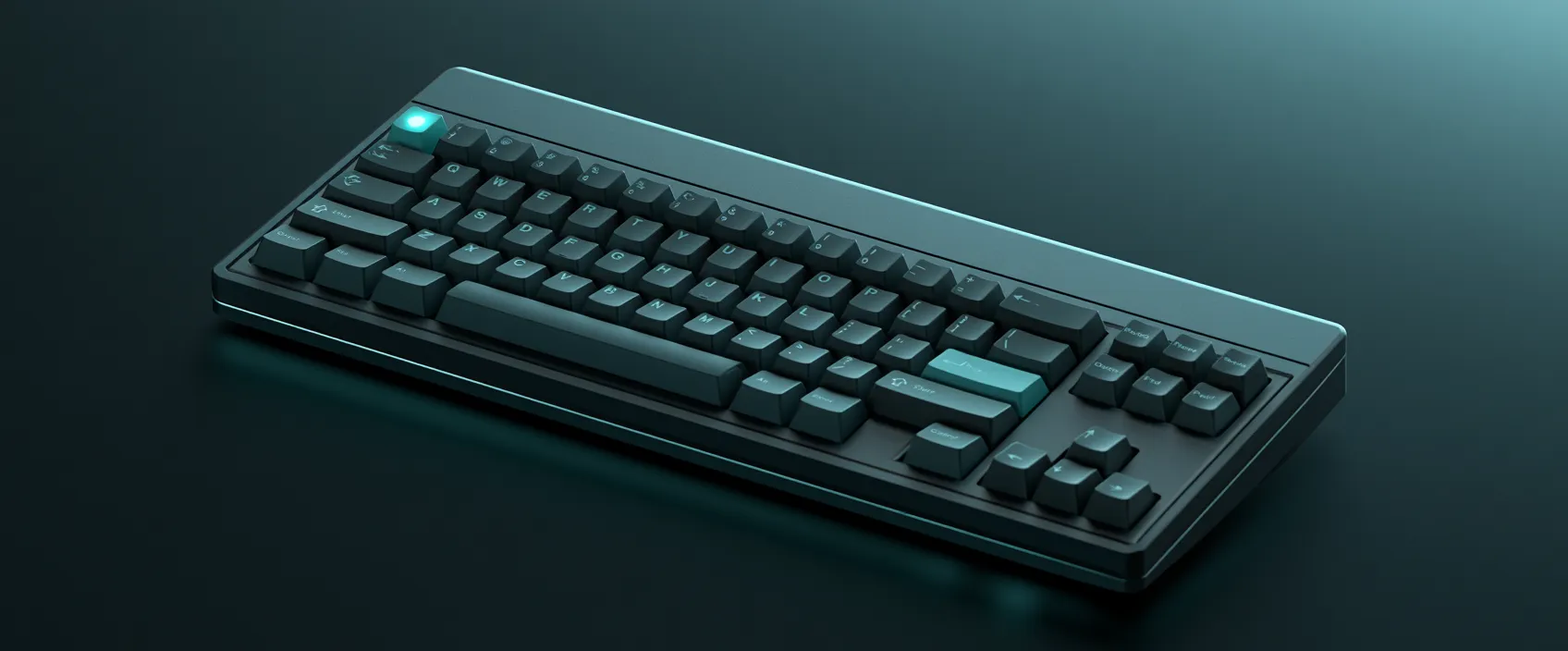
The next key always glows
Start on the home row and let the on-screen keyboard light up the next key as you go. Finger zones are colour-coded and a heatmap reveals exactly which keys still trip you up, so you can stop looking down and build real muscle memory.
A curriculum, not random words
The twelve-skill track builds from the home-row consonants outward — reaches, trailing and stacked vowels, the pre-posed vowel order, tone marks, the Shift layer, and full syllable clusters — each one unlocking the next as you reach 90% accuracy.
Real text and honest metrics
Once the keys feel natural, practise on real Thai words and a fresh daily passage drawn from a tokenised corpus. Track WPM, characters-per-minute, an authentic Thai net-words score, rhythm, and per-word mastery — the numbers that actually reflect progress.
Guides to get you started
In-depth, original articles on Thai layouts, technique, and the trickier parts of the alphabet.
- Thai Kedmanee vs Pattachote: Which Keyboard Layout Should You Learn?Kedmanee is the Thai keyboard layout on nearly every device; Pattachote is faster on paper but rarely the default. Here is how their home rows compare and which one to learn.
- How to Learn Thai Touch-Typing: A Beginner's RoadmapA step-by-step roadmap for learning to touch-type Thai — from the home row to full sentences — with a sample practice week and the metrics that actually matter.
- The Thai Keyboard Layout and Finger MapWhich finger presses which key on the Thai (Kedmanee) keyboard — the home-row characters, the eight finger zones, and why all four tone marks belong to one finger.
- Common Thai Typing Mistakes (and How to Fix Them)The habits that hold Thai typists back — looking down, chasing speed, the wrong vowel order, mixing up ่ and ้ — with a practical fix for each.
More ways to practise
Or practise your own pasted text →



Frequently asked questions
Is ThaiTyper free to use?
Yes. ThaiTyper is completely free, and unobtrusive advertising keeps it that way. Ads sit outside the typing area so they never appear over the prompt or keyboard while you are mid-drill. You do not need an account to practise — signing in only adds cross-device progress sync and the leaderboard.
Do I need to install a Thai keyboard to practise?
No. ThaiTyper maps the physical keys you press to Thai characters in the browser, so it works on any operating-system layout without reconfiguring your machine. That said, learning the real Kedmanee positions here transfers directly to a Thai keyboard once you switch your device into Thai for everyday typing.
What is the difference between the Kedmanee and Pattachote layouts?
Kedmanee is the default Thai layout pre-installed on virtually every device, so it is what schools and offices use. Pattachote is a later, more ergonomic layout that places frequent letters near the home row, but it never became widespread. For most people Kedmanee is the practical choice; Pattachote suits heavy daily typists optimising their own setup.
Should I learn Kedmanee or Pattachote first?
Pick one and commit to it — splitting practice between both slows the muscle memory for each. For maximum compatibility across borrowed and default devices, start with Kedmanee. Only choose Pattachote if you type Thai for hours every day on your own equipment and value long-term ergonomics over portability.